Doorsanchar Nepalese Telecom News, Smart Phones, Tablets, Mobiles, Gadgets, ICT & Telecom issues, Nepal Telecom, Ncell, Teleosonera, STM Telecom Sanchar, Nepal Satellite Telecom, Hello Mobile, Internet in Nepal, Business on Telecom Sector in Nepal, Views, Blogs, ICT News, Views, Reviews from Nepal, Mobile Prices in Nepal, Buy a Mobile in Nepal, Comparative mobile prices, Smart Phone in Nepal, Buy a smart phone in Nepal, Nepal Cheapest Mobiles, Nepal Doorsanchar Company Limited, Nepal Telecom News, smart, NTC, Namaste, GPRS, ADSL, internet, DSL, IP, Gramin Telecom, Rural Telecom, iPhone, Apple in Nepal, Sewa Telecom, Reynolds Holdings, SMS, MMS, Free Phone, CDMA, internet in Nepal, Nepal Phone, Free Phone Nepal, Website hack, WWW, http://, Telecom Issues, Telecom Magazines, Huwai, ZTE, Samsung, Motorolla, Panasonic, Smart TV, configure ADSL, Subscribe internet, Cable, DSL, Internet Speed Test, Test My Net Speed, Online Cinema, Free Calling Card, Nepal Tech, Tech Nepal, Tech 2 Nepal, Travelling Nepal, News Nepal, Nepal News, ekantipur, onlinekhabar, nagariknews, mysansar, Camera, Tablet, LTE, Ultrabook, E Cards, FTP, Google, Cloud, Cloud computing, cloud service, Mac, Free software, software freedom, downloads, download free software, Nepal software, play, google play, android apps, applications, IOS, Apple, Facebook, google.com, facebook.com, social networking, domain, free domain, Nepal Website, Website making, website design, free calling cards, chat, Nepal Chat, Nepalese websites, Traveller sites in Nepal, Wallpapers, Nepalese wallpapers, New Walpapers, The Pirates bay, download software, Free website making, eticketing, eservice, egovernance in Nepal, egov, Nepal electronics good, Mobile Expo in Nepal, Mobile Market, Nepal Mobile Price, Nepal Tech News, Nepal Telecom News, Nepal Doorsanchar News, All telecom News, Tech News, Living with ICT and Telecom, Lifestyle, Ebooks, ereadings, elibrary, free books online, free software online, online media

Along with a popularity of smartphones, everyone has become a smartphone photographer. Where ever you go, you could see people taking photographs before actually seeing what is being captured. Everyone is now a smartphone photographer and we all want the photos taken by us to be best-looking. Be it DSLR or smartphone camera you should always keep in mind about basic rules of photography while clicking like lighting conditions, zoom, flash among others. Here we are providing you with some tips to take a good shot.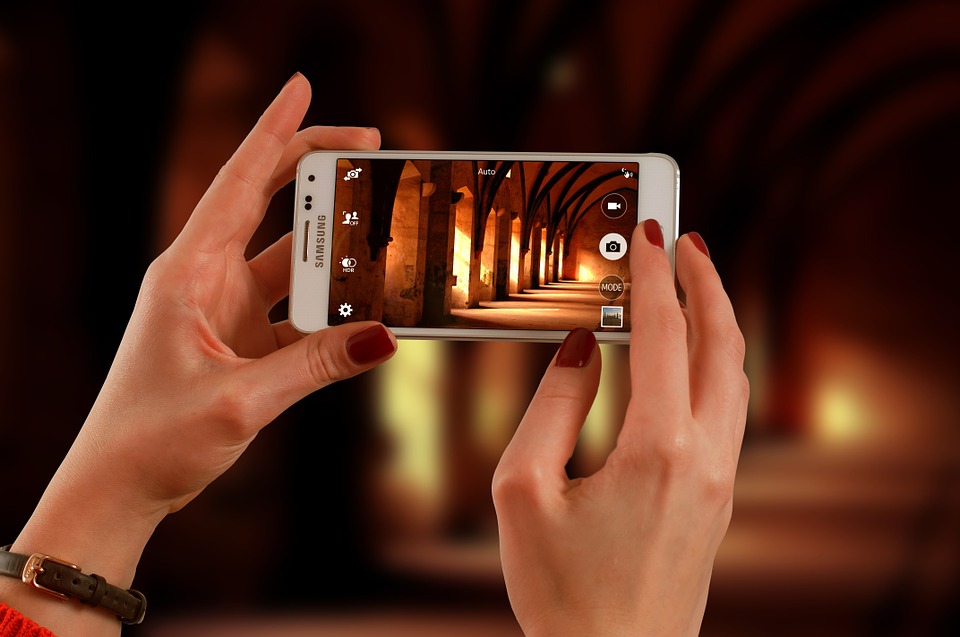
-
Know your camera
Your camera might be equipped with loads of functions which you are unaware of so look into its features before you start clicking. It may have advanced settings capable of making you a smart photographer. Learn to use the features it provides like focus, shutter speed, lighting and the like.
2. Find better light
Photography means drawing with light so in the absence of light photo can’t be created. In low light situations, while shooting indoors consider using artificial light. If the subject is facing toward a better light, you will get better output.
3. Don’t use flash
As far as possible don’t use flash. Using flash might do more harm. When you don’t have light at all,it might be of some help.
4.Compose your shot
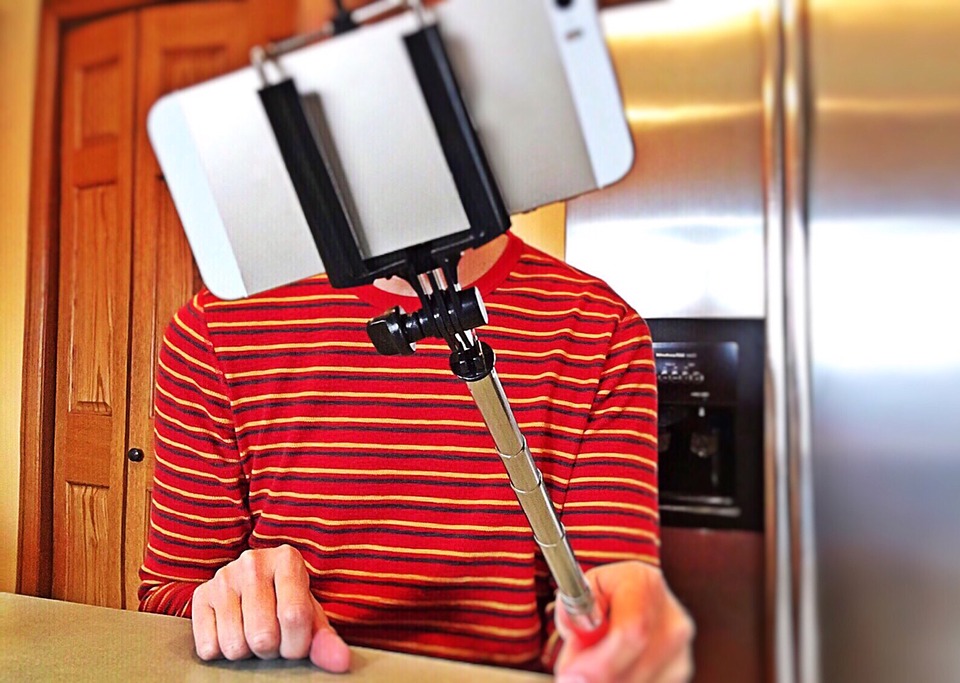
Frame your subject carefully before taking a shot. Windows can be a great frame to add depth to your photo. Taking photo in the same angle that is putting the subject at the centre also makes a photo look dull so try different angles.
5.Never use zoom
Using zoom often can result in a photo with a poor quality. Better take the image and crop it later. If you want to get close, go closer to your subject on your own.
6.Get close to subject
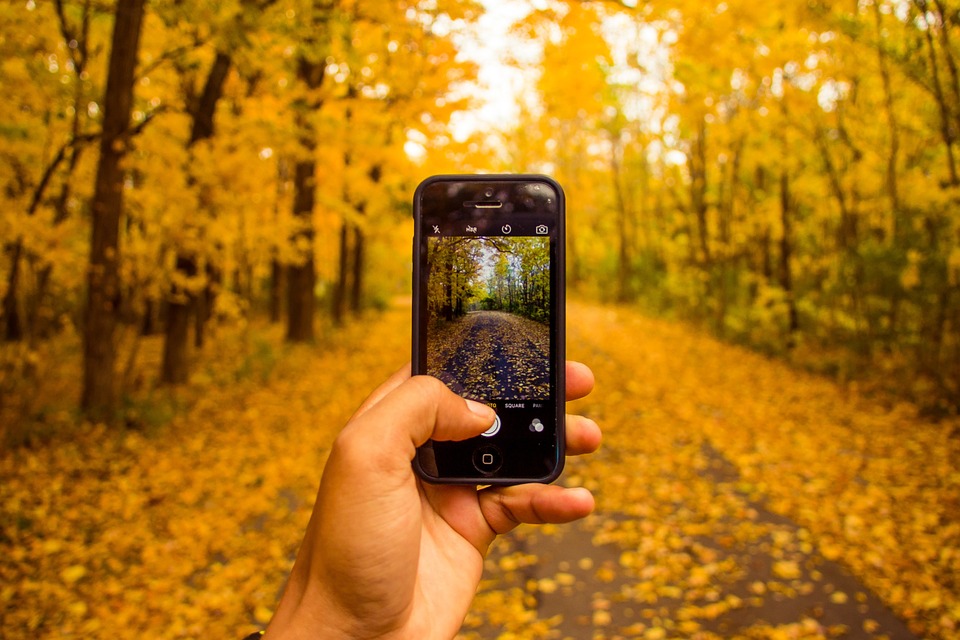
If you are far away from your subject, you can’t get a detailed shot. By zooming or standing far from the subject you are cropping a photo before it is being taken.
7. Apply editing
There are various apps available for editing purpose with which you can crop, add brightness and so on. Try those apps and make your photos look better.