Doorsanchar Nepalese Telecom News, Smart Phones, Tablets, Mobiles, Gadgets, ICT & Telecom issues, Nepal Telecom, Ncell, Teleosonera, STM Telecom Sanchar, Nepal Satellite Telecom, Hello Mobile, Internet in Nepal, Business on Telecom Sector in Nepal, Views, Blogs, ICT News, Views, Reviews from Nepal, Mobile Prices in Nepal, Buy a Mobile in Nepal, Comparative mobile prices, Smart Phone in Nepal, Buy a smart phone in Nepal, Nepal Cheapest Mobiles, Nepal Doorsanchar Company Limited, Nepal Telecom News, smart, NTC, Namaste, GPRS, ADSL, internet, DSL, IP, Gramin Telecom, Rural Telecom, iPhone, Apple in Nepal, Sewa Telecom, Reynolds Holdings, SMS, MMS, Free Phone, CDMA, internet in Nepal, Nepal Phone, Free Phone Nepal, Website hack, WWW, http://, Telecom Issues, Telecom Magazines, Huwai, ZTE, Samsung, Motorolla, Panasonic, Smart TV, configure ADSL, Subscribe internet, Cable, DSL, Internet Speed Test, Test My Net Speed, Online Cinema, Free Calling Card, Nepal Tech, Tech Nepal, Tech 2 Nepal, Travelling Nepal, News Nepal, Nepal News, ekantipur, onlinekhabar, nagariknews, mysansar, Camera, Tablet, LTE, Ultrabook, E Cards, FTP, Google, Cloud, Cloud computing, cloud service, Mac, Free software, software freedom, downloads, download free software, Nepal software, play, google play, android apps, applications, IOS, Apple, Facebook, google.com, facebook.com, social networking, domain, free domain, Nepal Website, Website making, website design, free calling cards, chat, Nepal Chat, Nepalese websites, Traveller sites in Nepal, Wallpapers, Nepalese wallpapers, New Walpapers, The Pirates bay, download software, Free website making, eticketing, eservice, egovernance in Nepal, egov, Nepal electronics good, Mobile Expo in Nepal, Mobile Market, Nepal Mobile Price, Nepal Tech News, Nepal Telecom News, Nepal Doorsanchar News, All telecom News, Tech News, Living with ICT and Telecom, Lifestyle, Ebooks, ereadings, elibrary, free books online, free software online, online media

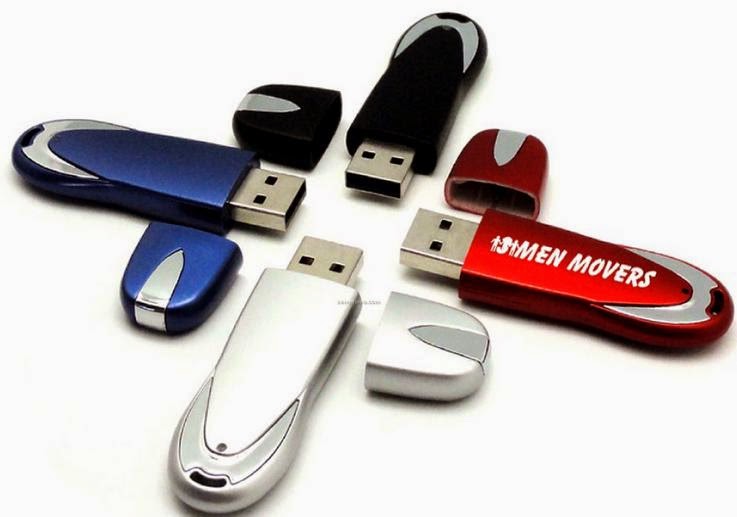
Virus infection has always became a big problem for windows user. And when the the virus like shortcut virus, autorun.inf , new folder etc time again corrupts your Pendrive you might have felt like shit. But give a look to the following trick which will save your pendrive from virus forever.
Some people recover their data by simply using Command prompt but some people think there is only option left and it is to format the flash drive.If your pendrive is infected by any of these virus you can simply follow these step to get your hidden data back.
- Open CMD (command prompt)
- Open Flash drive in cmd ( if your drive is ‘G’ than enter ‘G:’ after c:\user\ press [ENTER] )
- Now type following line and press enter:
attrib -s -h /s /d
This trick is very helpful if you have virus in your computer and desire to copy files from a USB Drive but don’t desire to transfer virus to the USB. Follow the given steps to disable the USB writing option:
Open notepad and copy and paste the following:
Windows Registry Editor Version 5.00
[HKEY_LOCAL_MACHINESYSTEMCurrentControlSetControlStorageDevicePolicies]
“WriteProtect”=dword:00000001
Now keep the file with the extension “.reg”.
Click on the file you presently saved. In the pop-up window chose YES and then OK.
That’s it your USB is now sheltered
To TURN DEFENCE OFF
Open notepad and copy and paste the following:
Windows Registry Editor Version 5.00
[HKEY_LOCAL_MACHINESYSTEMCurrentControlSetControlStorageDevicePolicies]
“WriteProtect”=dword:00000000
Now put aside the file with the extension “.reg”.
Click on the file you presently saved. In the pop-up window click YES and then OK.
Now your pen drive is protected